video
Video converter
MP4, MOV, MKV, WEBM and more. Tune resolution, codec, bitrate and size.
Try this toolPrivate by default · Works offline
Convert, compress, trim and organise video, audio, images and documents without sending your files to the cloud.
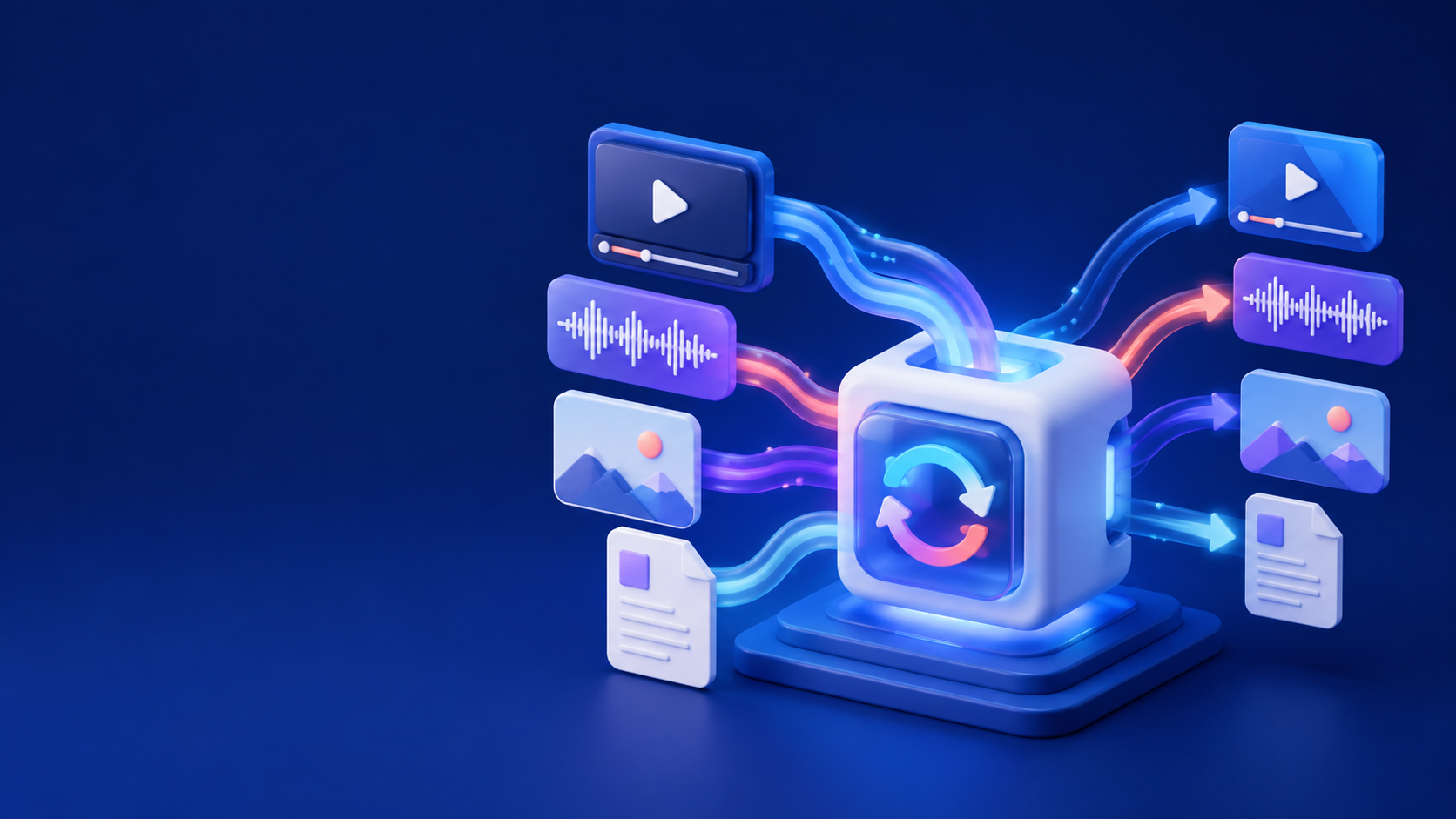
A focused toolset
One tidy place for the jobs that usually send you hunting through five different apps.
video
MP4, MOV, MKV, WEBM and more. Tune resolution, codec, bitrate and size.
Try this toolaudio
Extract tracks, normalise levels and export clean audio in the format you need.
Try this toolimage
Resize, compress, convert and batch-process your visual library without quality surprises.
Try this toolfiles
Merge, trim, rename and organise media with a clear local-first workflow.
Try this toolQueue a single clip or a full project folder, compare estimated output size, then let MediaConv work in the background.
Control without clutter
Start with a clear preset, then open advanced controls only when you need them. Save your own recipe for the next project.
The workflow
MediaConv keeps the steps visible, predictable and easy to repeat.
Start convertingBring in one file or a whole folder.
Use a preset or dial in your own settings.
Review the estimate, then save locally.
Ready when you are
A fast, private desktop workspace for creators, teams and anyone tired of converter pop-ups.
Yes! MediaConv offers a free plan that allows you to download up to 10 videos per day in HD quality (1080p). For unlimited downloads and 4K quality, you can upgrade to our Pro plan anytime.
MediaConv supports popular video and audio sources that allow personal offline saving.
The app is built as a clean desktop utility without extra bundled software.
Yes. Install MediaConv on your supported desktop and Android devices.
MediaConv supports resolutions up to 4K (2160p) for video and high-quality audio up to 320 kbps. The available options depend on the source and your device.
Downloads are saved to your chosen folder. You can change the location before starting a download.